Daily activity
Track expenses, income, and transfers across the accounts that make up your financial life.
 Penny
Penny
Penny brings transactions, monthly budgets, recurring activity, and clear spending insights into one calm workspace on your device.
See balances, recent activity, budget progress, recurring dates, and longer-term patterns without turning personal finance into a second job.
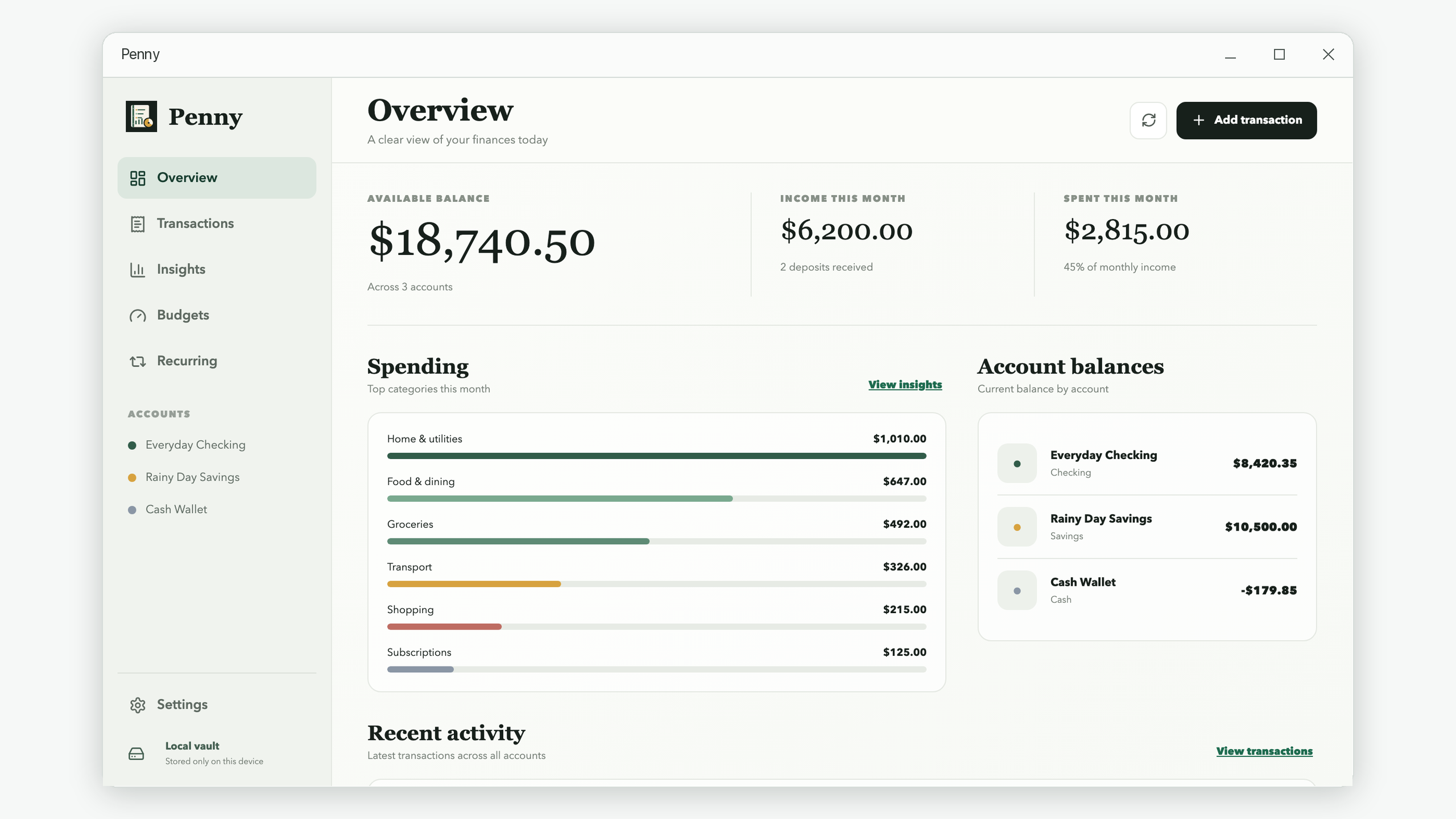
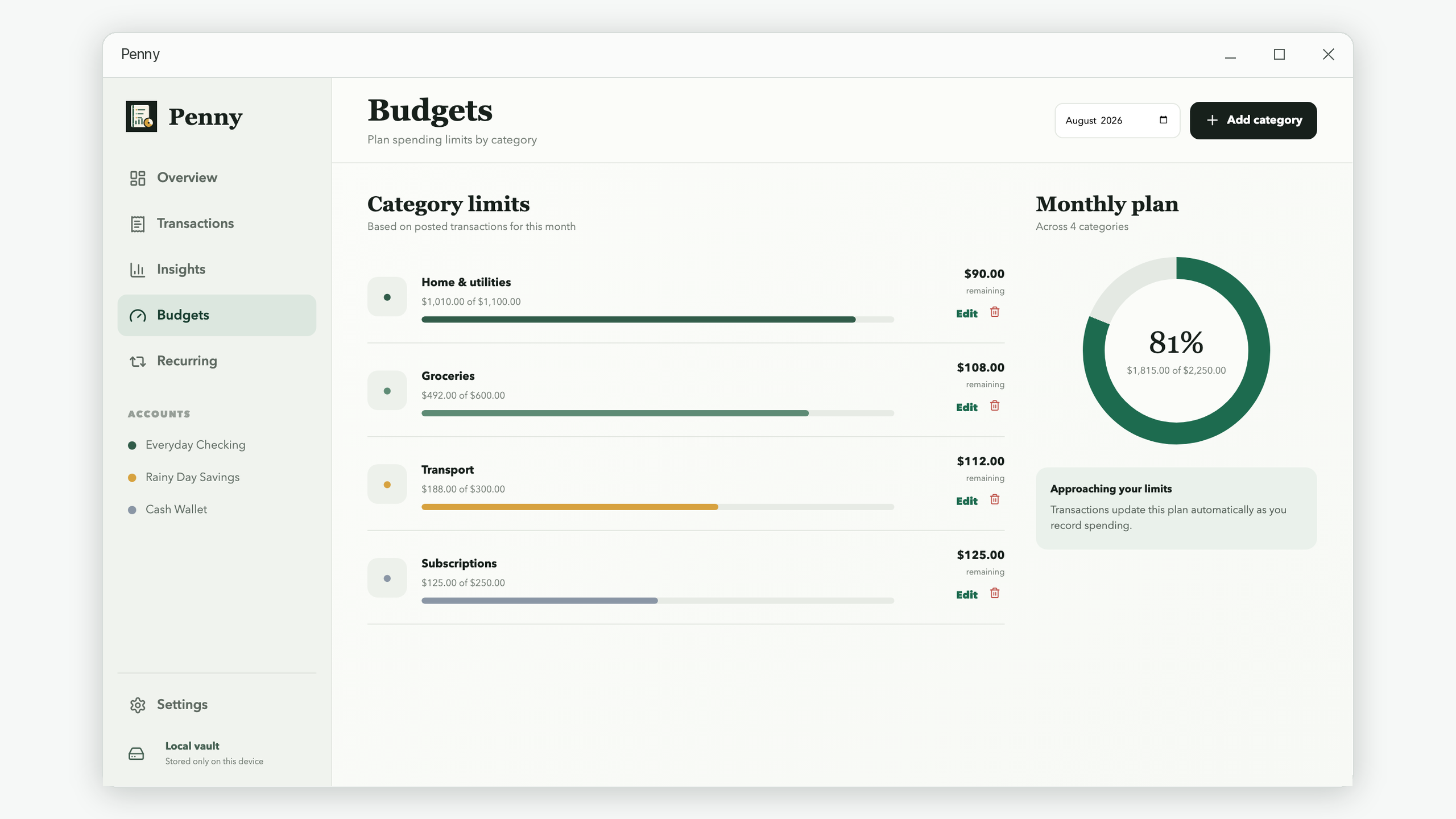
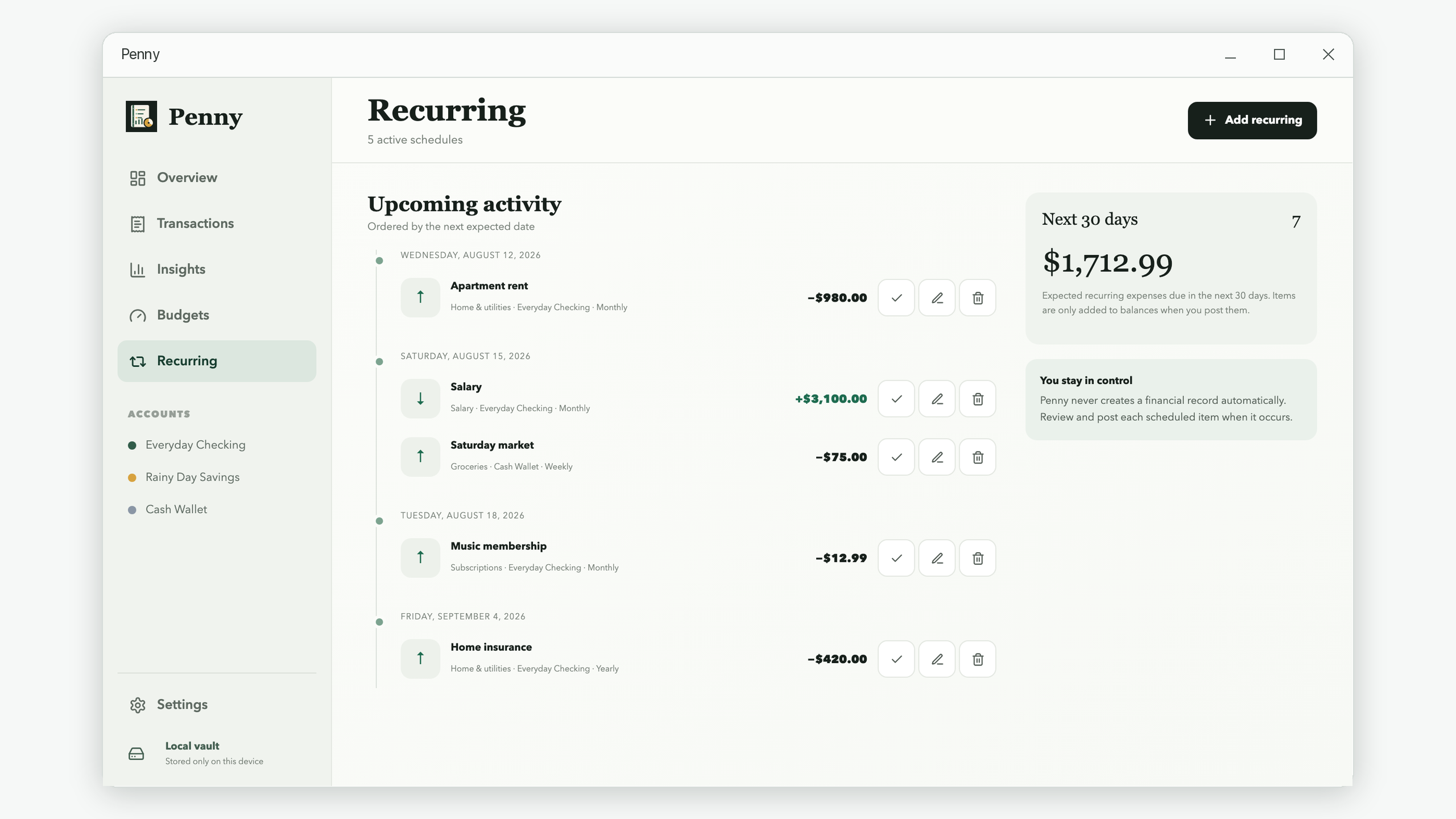
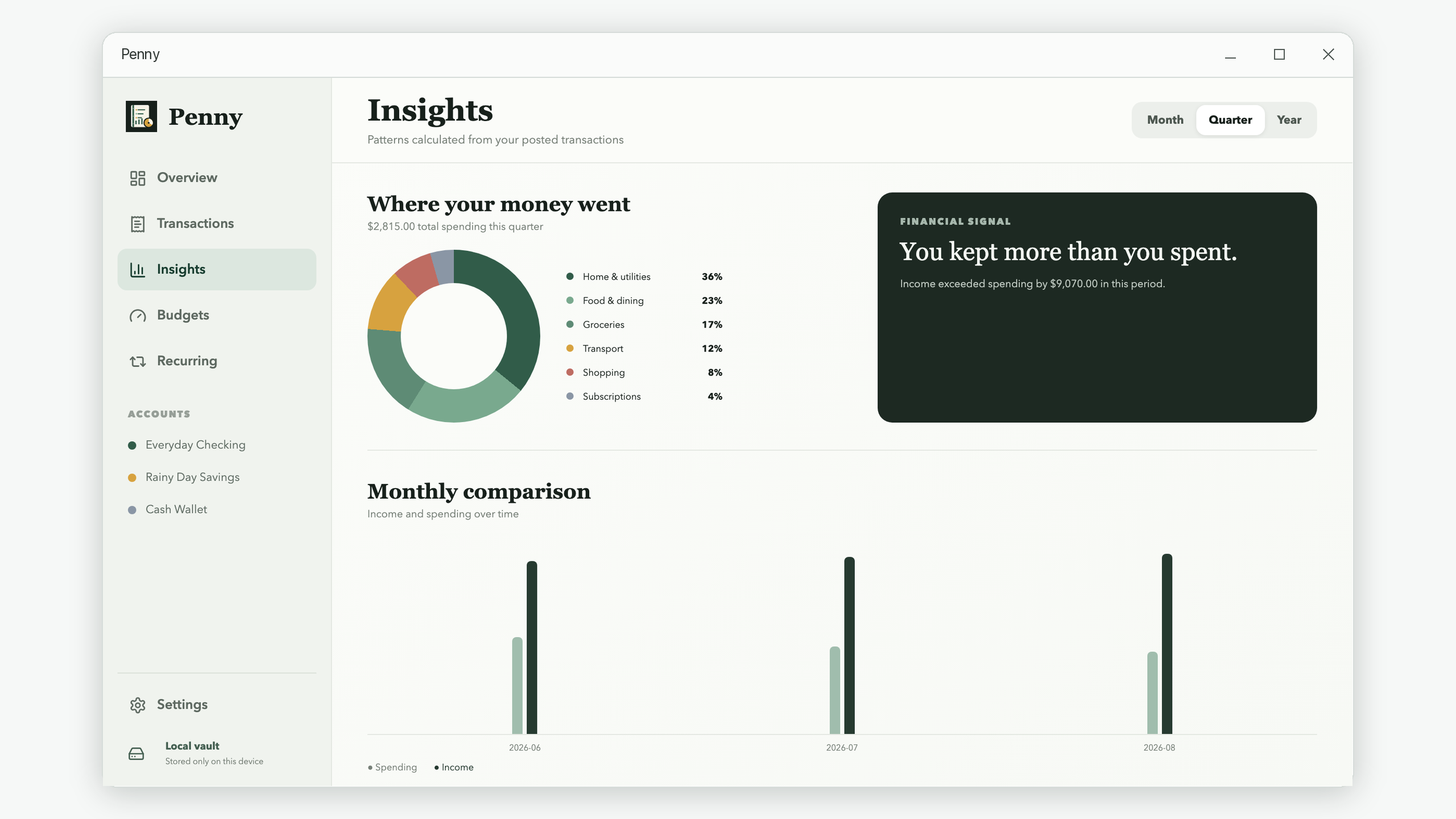
Record what happened, plan what comes next, and understand the difference. Penny keeps the workflow focused and the information readable.
Track expenses, income, and transfers across the accounts that make up your financial life.
Set category limits and see posted spending update each plan automatically.
Review upcoming rent, subscriptions, salary, and bills before posting each occurrence.
Compare income and spending across a month, quarter, or year with category breakdowns.
Keep receipt images and PDFs attached to the transaction they belong to.
Export transaction history to CSV and create a local backup whenever you choose.
Start with the balances you already know. No online bank connection or login is required.
Add transactions and recurring schedules as they happen, with categories and optional receipts.
Use budgets and insights to understand the month and decide what you want to change next.
Clear explanations, checklists, and repeatable routines for the everyday personal-finance questions that spreadsheets rarely answer.
Use real spending, fixed commitments, and a deliberate buffer to create a plan you can keep.
Understand the timing, transfers, and accounting differences behind a common money mystery.
Build one reliable list for subscriptions, bills, annual fees, and irregular renewals.
Turn a pile of transactions into one useful decision with a short monthly checklist.
No. Penny does not require registration or a sign-in.
Penny stores its working database and receipt attachments locally on your device. You choose when and where to create exported CSV files or backups.
No. You enter and review the records you want Penny to track, keeping you in control of the information in the app.
No. Penny shows upcoming activity, but every recurring occurrence must be reviewed and posted by you.
Yes. You can export transaction history to CSV and create a portable database backup.
You can choose the currency used to format totals and reports. Penny does not perform currency conversion.
English, Simplified Chinese, Traditional Chinese, Japanese, Korean, French, German, Spanish, and Portuguese.
Email support@iamdev.me with questions or feedback.
Get Penny from the Microsoft Store.
View in Microsoft Store